Click to upload or drag & dropPNG, JPG, WebP up to 8 MB
No image selected

One free preview across AI tools. More designs: 1 credit, HD included.

Tattoo Stencil Maker

Convert tattoo photos into clean stencil linework online.

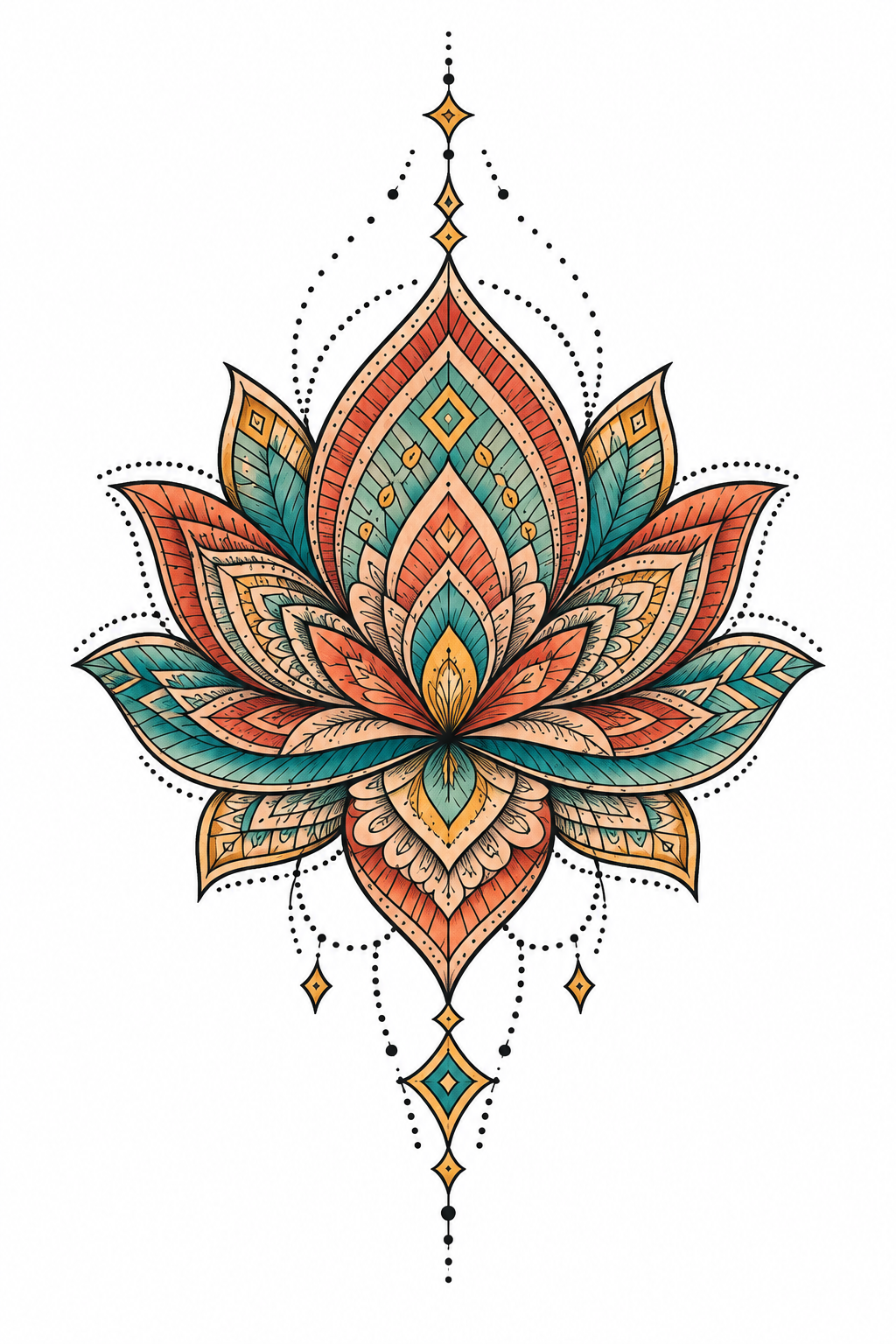
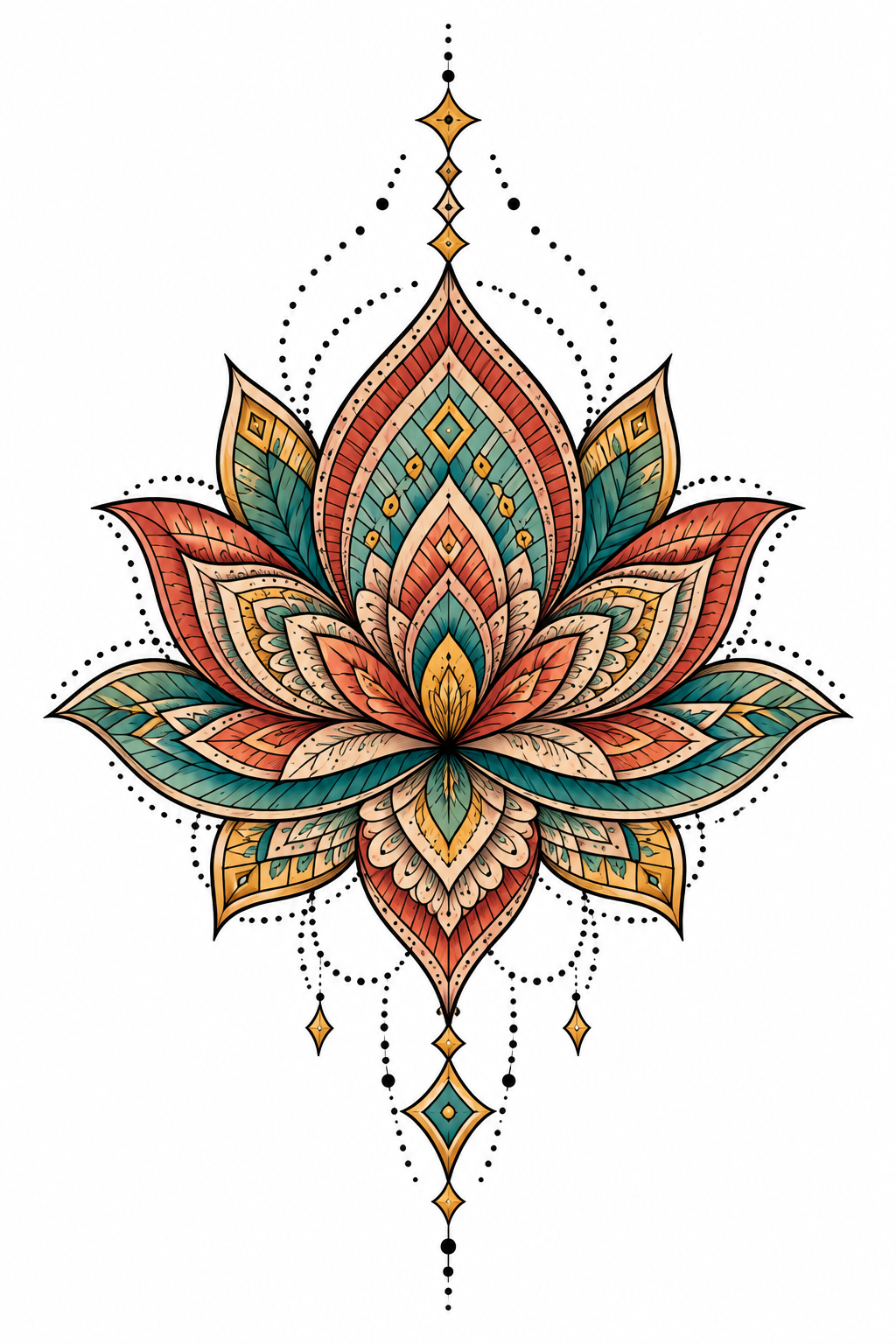
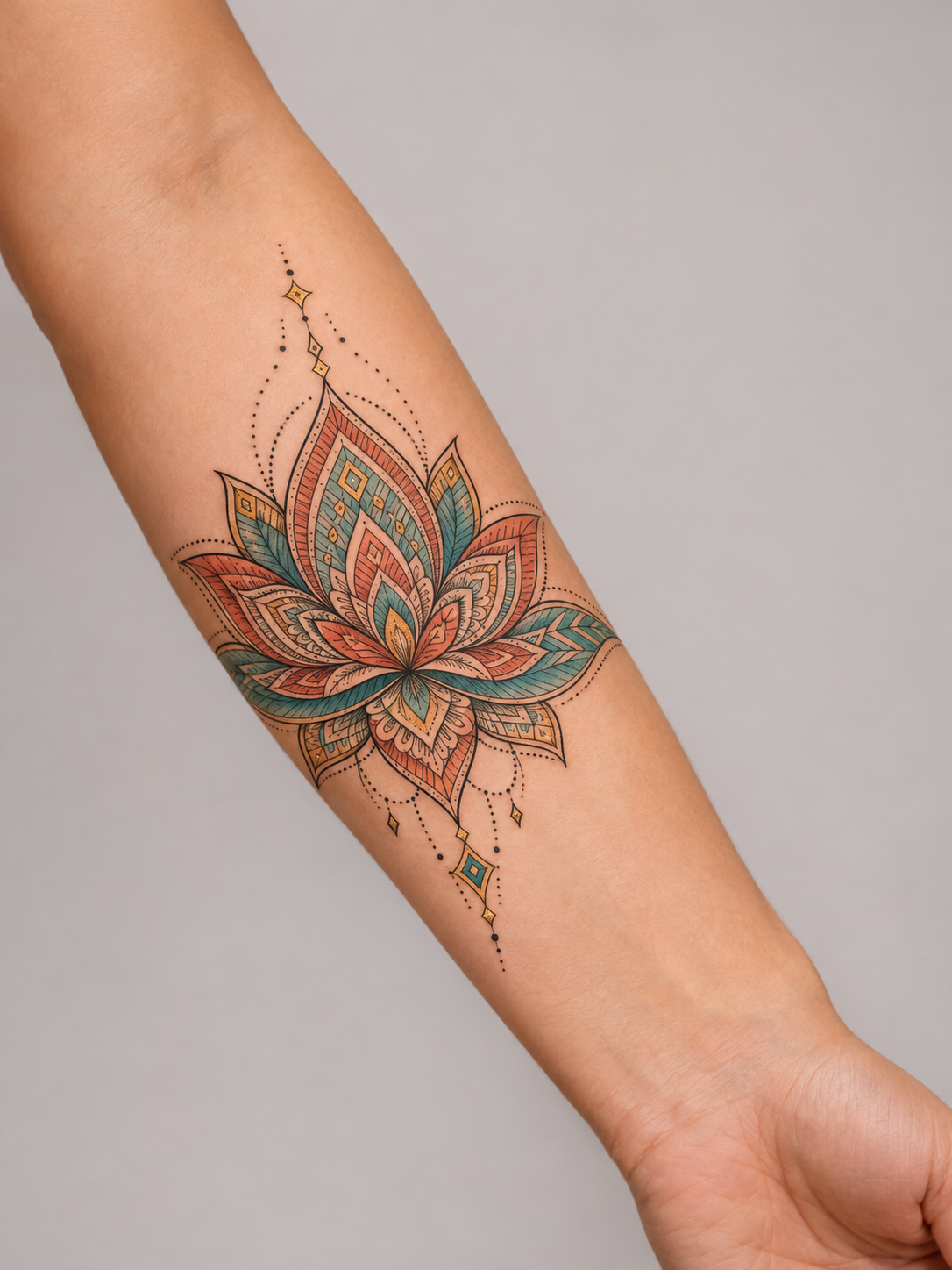
Our color lotus tattoo example on a clean, angled forearmBefore
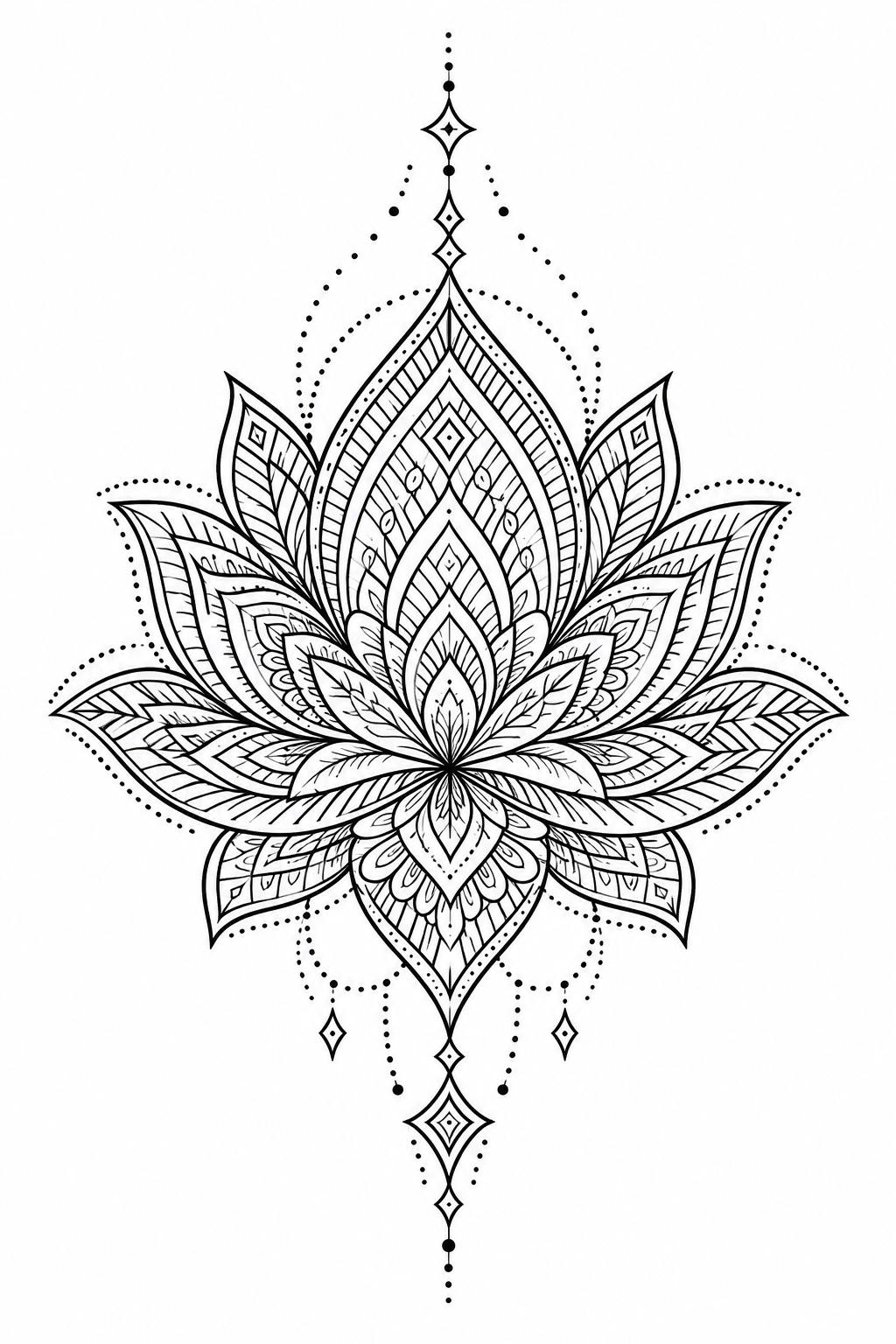
Our geometric lotus design example on a white backgroundStencil Outline
ILLUSTRATIVE EXAMPLE · AI-CREATED ARTWORK

Your Recent Designs

Artwork is kept for 30 days.

View all
Your completed designs will appear here automatically.
FROM SKIN TO STENCIL

Keep the tattoo. Leave the skin behind.

Have a photo of a tattoo, but need the artwork on its own? Extract black linework from the image, ready to compare, edit and discuss with your tattoo artist.

  • Separate the motif from skin and background.
  • See the wing outlines and internal patterns without color.
  • Review the result beside your original photo.
Try your tattoo photo
Teal and coral butterfly tattoo on a clean, naturally angled forearmTattoo photo
Actual black butterfly linework extracted by InkByYou from the color tattoo photoExtracted linework
Our AI-created reference photo → actual InkByYou Stencil Outline output.
COLOR, SHADING & SMALL DETAILS

What happens to the color and shading?

Stencil Outline turns a colored reference into black linework on white. Compare the rose petals and leaf veins here: shaded areas are interpreted as lines, so the result is more than a simple black-and-white photo.

Red rose tattoo with colored shading, layered petals and green leaf veins
Color & shaded petals
Actual InkByYou rose outline showing the extracted petals, leaves and stem
Extracted petal lines

Check small gaps, lettering and proportions before use. AI can simplify, add or change a detail; extraction is not an exact tracing.

Red rose tattoo with colored shading, layered petals and green leaf veinsTattoo photo
Actual InkByYou rose outline showing the extracted petals, leaves and stemExtracted linework
Our AI-created reference photo → actual InkByYou Stencil Outline output.
BEFORE YOU UPLOAD

A better photo makes a better starting point.

Use even light and keep the whole tattoo in the frame. If you can take another photo, fix these common problems first.

Clear complete butterfly tattoo reference, recommended for uploadRecommended

Clear & complete

The whole motif is visible, with even lighting.

The same reference with a simulated bright glare over the tattooRetake if possible

Strong reflections

Move away from direct light so the lines stay visible.

The same reference blurred to illustrate an out-of-focus uploadUse a sharper photo

Out of focus

Tap to focus on the tattoo before taking the photo.

A cropped view illustrating missing edges of the butterfly tattooKeep the whole design

Edges cut off

Step back and leave a little space around the tattoo.

Photo-quality illustrations use the same reference with simulated glare, blur and cropping. Hidden or unreadable lines cannot be recovered reliably.

AFTER YOU DOWNLOAD

From a PNG to a size you can print.

Download your unlocked original PNG to edit or send to your artist. For paper size, image width and mirroring, continue in our free Basic Stencil tool.

  • Keep the original PNG for editing and sharing with your artist.
  • Export a sized PDF, print at 100%, and check the calibration line.
Try sizing & PDF export

Your artist should check line quality, size and transfer suitability. Printer settings and paper affect the final result.

Actual image width, mirror and PDF download controls in InkByYouActual InkByYou Basic Stencil interface with image width, mirror, paper settings and linework preview
Our actual sizing workspace with the lotus example. Screen preview, not a physical print test.

Need outlines, original colors, or a new version?

Stencil Outline

Stencil Outline

Extract black linework from the existing tattoo.

Original Tattoo

Original Tattoo

Keep the colors and remove the surrounding skin.

AI Design Upgrade

AI Design Upgrade

Explore a redesigned variation of your reference.

THREE SIMPLE STEPS

Your photo in. A clearer reference out.

Actual InkByYou upload control
01

Upload a tattoo reference

Choose PNG, JPG or WebP, up to 8 MB. Use an image you own or have permission to use.

Actual InkByYou output mode choices
02

Choose your output

Pick Stencil Outline to extract linework. Choose the other modes to preserve color or explore changes.

Actual saved butterfly result with download controls
03

Compare, then download

Inspect the result against your reference. Your artwork appears in My Ink; unlock the original when you want the full file.

Before you make your stencil

Can I use a colored tattoo photo, a sketch, or a portrait?

Use a photo of an existing tattoo, a sketch, or digital tattoo artwork. Colored tattoos can be converted to black linework. Turning an ordinary portrait or pet photo into a new tattoo is a different design task; Stencil Outline is intended to extract an existing motif.

Will every line and detail stay the same?

Stencil Outline and Original Tattoo aim to preserve the existing motif, but AI may still change or miss details. Check names, dates, small shapes and symmetry against the reference. AI Design Upgrade intentionally creates a revised version.

Can I use a blurry, faded or curved tattoo photo?

You can try it, but clearer input gives the tool more reliable detail to work with. If glare, blur or an angle hides important parts, another photo is the better starting point. Do not treat an AI reconstruction as an exact recovery of hidden artwork.

Is it free, and do I need an account?

Our AI tools share one free preview. Unlocking that preview’s original costs 1 credit. Later generations, including Remix, cost 1 credit and include the original image. Sign in to unlock originals, save favorites and manage sharing. The separate Basic Stencil tool offers free local PNG and sized PDF exports.

Can I download a PNG, PDF, or SVG?

The AI tool downloads a PNG on a white background. The free preview is smaller and watermarked; unlocking gives you the original file. For a sized PDF, open the separate free Basic Stencil tool. SVG and layered vector exports are not currently available. You can edit the PNG in an image editor or use Remix to explore a new version.

Can I print the result and use it as a transfer stencil?

Use the result as a starting point for your artist to check. Confirm line quality, physical size and suitability for the intended transfer process before use. For paper-size, image-width and mirror settings, open the free Basic Stencil tool and export a sized PDF.

What happens if generation fails or I want another version?

A confirmed failed generation restores the credit or free-preview allowance used for it. If the request cannot be confirmed, its status is shown in My Ink and it is not automatically sent again. Starting a new generation or submitting a Remix creates another request; downloading an already unlocked file does not use another credit.

Will my uploaded tattoo photo be public?

Your reference and artwork are private by default and kept for up to 30 days. Favorites do not extend that period. A public link is created only when you explicitly enable sharing, and it shows a watermarked result preview rather than your uploaded reference. You can revoke the link. Upload only images you own or have permission to use.

Were these examples actually converted with the tool?

Yes. The butterfly and rose photos are our own AI-created references, processed with InkByYou’s Stencil Outline mode. Their paired linework shows actual tool outputs. The photo-quality examples are illustrations, and the sizing screenshot does not represent a physical print test.

Have a tattoo photo ready?

Start with a clear reference and see how it looks as linework.

Try your tattoo photoNo reference yet? Create a tattoo idea